If you’re looking for a convenient way to add VPN functionality to your web browser, the Urban VPN extension is an option you may come across. Browser VPN extensions are designed to make VPN connections easier to access without requiring a full VPN application on your computer.
For everyday browsing, this can be useful when you’re using public Wi-Fi, checking how a website appears from another location, or simply looking for an additional privacy layer while browsing the web.
However, it’s important to understand exactly what a browser VPN extension does—and what it doesn’t do—before relying on one.
This Urban VPN Extension Guide explains how browser extensions work, how to install one safely, what features to consider, and the key privacy and security points users in the United States should know.
What Is the Urban VPN Extension?
The Urban VPN extension is a browser add-on intended to provide VPN-related functionality directly through a compatible web browser.
Unlike a traditional VPN application that can establish a connection for broader device traffic, a browser extension is generally focused on traffic associated with the browser where it is installed.
This makes an extension convenient for people who mainly want VPN functionality while browsing websites rather than configuring a VPN connection for every application on their computer.
How a Browser VPN Works
In simple terms, a VPN can route your internet traffic through a VPN server before it reaches its destination. Depending on the service and configuration, this can make websites see the VPN server’s IP address instead of your regular public IP address.
A browser extension provides controls for managing this type of connection from within the browser.
The exact functionality, available locations, permissions, and features can change as the extension is updated, so users should always check the current information provided by the official service and their browser’s extension marketplace.
Urban VPN Extension vs. a Full VPN Application
One of the most important things to understand is the difference between a browser VPN extension and a full VPN application.
A browser extension is primarily designed around browser activity. If you install an extension in Chrome, for example, you should not automatically assume that traffic from other programs on your computer is being routed through the same VPN connection.
A full VPN application generally operates at a broader system level and may protect traffic from multiple applications on the device.
Which Option Makes Sense?
A browser extension may be suitable if:
- You mainly need VPN functionality while browsing.
- You want quick access from your browser toolbar.
- You don’t want to configure a system-wide VPN connection.
- You occasionally need to change your apparent browsing location.
A full VPN application may make more sense if:
- You want broader device-level VPN coverage.
- You regularly use applications outside your browser.
- You need more advanced VPN controls.
- You want a single VPN connection covering multiple types of network traffic.
Neither option is automatically better for every user. The right choice depends on your specific browsing and privacy requirements.
How to Install the Urban VPN Extension
Installing a browser extension is usually a straightforward process, but the source you use matters.
The safest approach is to obtain the extension through your browser’s official extension marketplace or a legitimate website operated by the service provider.
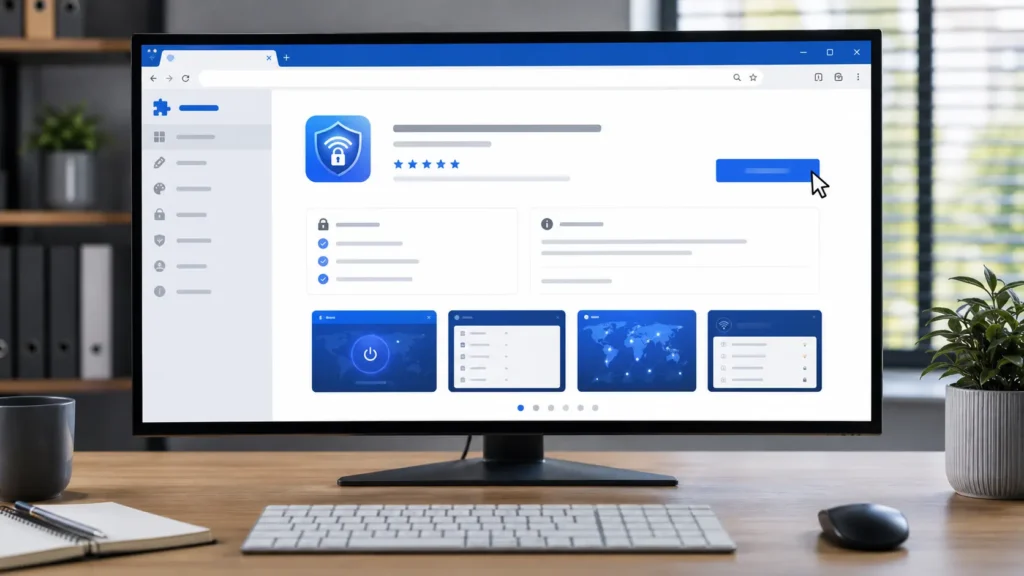
Step-by-Step Installation
- Open your preferred supported web browser.
- Navigate to the browser’s official extension marketplace.
- Search for Urban VPN.
- Carefully check the extension’s name and publisher information.
- Review the available description, ratings, permissions, and other details.
- Select the browser’s option to add or install the extension.
- Approve the requested permissions only after reviewing them.
- Open the extension after installation.
- Review the available settings and connection options.
Why the Installation Source Matters
Avoid downloading browser extensions from random download websites, unofficial file repositories, or suspicious pop-up advertisements.
Cybercriminals sometimes create fake extensions that imitate legitimate services. A malicious extension can potentially request access to browser information or interfere with your browsing activity.
Before installing anything, verify that you’re using the legitimate extension and that the publisher information matches the expected provider.
How to Use Urban VPN Extension
Once installed, the extension can typically be accessed through your browser’s extensions menu or toolbar.
The available interface and controls may vary depending on the browser and the current version of the extension.
In general, users can open the extension, review available server locations, select a location when applicable, and use the connection control provided by the extension.
Selecting a VPN Location
The server location you choose can influence your browsing experience.
A server geographically closer to you may often provide better latency than a server located much farther away. On the other hand, selecting a server in another region may be useful for legitimate purposes such as website testing or checking how online services respond to visitors from different locations.
Don’t assume that changing your VPN location guarantees access to every region-restricted service. Websites and streaming platforms may use additional methods to detect VPN traffic.
Potential Benefits of a VPN Browser Extension
A browser VPN extension can offer several practical advantages depending on how you use it.
Convenient Browser-Based Controls
One major advantage is convenience. You can manage the VPN connection directly from the browser instead of opening a separate desktop application.
Additional Privacy Layer
A VPN can help prevent your normal public IP address from being directly exposed to websites you visit, depending on how the connection is configured.
This can be particularly useful when you’re browsing on networks where you don’t want your normal IP address associated with every website request.
Useful on Public Wi-Fi
Public Wi-Fi networks at airports, hotels, coffee shops, libraries, and other locations can create additional security concerns.
Using HTTPS, keeping your browser updated, and following good security practices remain important, but a properly configured VPN can provide another layer of protection for network traffic.
Location Testing
Developers, marketers, researchers, and website owners may sometimes need to see how websites behave from different geographic locations.
A VPN extension can make this type of browser-based testing more convenient.
Privacy and Security Considerations
Using a VPN does not mean that you’re completely anonymous online.
This is one of the most important points in any Urban VPN Extension Guide.
Websites can still recognize users through accounts, cookies, browser characteristics, device information, and other tracking technologies.
Review the Privacy Policy
Before relying on a VPN service, take time to understand its privacy practices.
Look for information about:
- What information the service collects.
- How connection-related information is handled.
- Whether browsing-related data is retained.
- How information may be shared.
- How long certain information is stored.
- What choices users have regarding their data.
Privacy policies can change, so it’s a good idea to review the current version rather than relying on information published years ago.
Check Extension Permissions
Browser extensions may request permissions that allow them to interact with websites or browser functionality.
Don’t automatically approve permissions without understanding what you’re granting.
If a permission request seems excessive or unrelated to the extension’s purpose, stop and investigate before continuing.
VPN Extensions Don’t Replace Basic Security
A VPN is only one part of online security.
You should still:
- Use strong, unique passwords.
- Enable multi-factor authentication where available.
- Keep your browser and operating system updated.
- Avoid suspicious downloads and links.
- Use HTTPS websites whenever possible.
- Be cautious when entering financial or personal information.
- Remove browser extensions you no longer use.
A VPN cannot protect you from phishing attacks, malware that you voluntarily install, weak passwords, compromised accounts, or every form of online tracking.
Common Urban VPN Extension Problems
Like other browser extensions, VPN extensions can occasionally encounter technical problems.
Connection Problems
If the extension won’t connect, check whether your internet connection is working normally first.
You can also try:
- Disconnecting and reconnecting.
- Selecting another available server.
- Restarting the browser.
- Updating the extension.
- Checking whether the browser itself has an available update.
Slow Browsing
VPN connections can sometimes reduce browsing performance because traffic may travel through an additional server.
Distance, server load, your internet connection, browser activity, and other technical factors can affect performance.
If browsing becomes unusually slow, trying another available server may help.
Websites Not Loading Correctly
Some websites may behave differently when VPN traffic is detected. You may encounter additional verification, login challenges, or pages that don’t load as expected.
This doesn’t necessarily mean the extension is broken. The website may simply be treating the VPN connection differently.
Is Urban VPN Extension Safe to Use?
Safety depends on several factors, including where the extension came from, what permissions it requests, how its data practices are handled, and how carefully you use it.
There is no reason to assume that every VPN extension—or every VPN provider—offers identical privacy protections.
Before installing the Urban VPN extension, verify the official source, review the current privacy information, check permissions, and keep the extension updated.

Frequently Asked Questions
Does the Urban VPN extension protect my entire computer?
Not necessarily. A browser extension is generally designed around browser traffic rather than automatically protecting every application on your computer. A system-wide VPN application is typically used when broader device coverage is required.
Can a VPN extension make me completely anonymous?
No. A VPN can change how your IP address appears to websites, but it doesn’t eliminate cookies, account-based identification, browser fingerprinting, or other tracking methods.
Can I use a VPN extension on public Wi-Fi?
A VPN can provide an additional privacy and security layer when using public networks, but you should still use HTTPS, keep your software updated, and avoid suspicious websites and downloads.
Why is my browsing slower after connecting?
The VPN connection may introduce additional routing between your device and the destination website. Server distance, network congestion, and other factors can affect speed.
Final Thoughts
The Urban VPN Extension Guide comes down to one key idea: a browser VPN extension can be a convenient tool, but you should understand its scope and limitations.
For users who mainly want VPN functionality inside their browser, an extension can provide an accessible way to manage a VPN connection. However, anyone looking for broader protection across their entire device should evaluate whether a dedicated VPN application is more appropriate.
Most importantly, download extensions only from trustworthy sources, review permissions and privacy practices, keep your browser updated, and remember that a VPN works best as one component of a broader online-security strategy.